
You now can create Standard Operating Procedures out of videos. Just upload into the STEP area or Process Landing video area and with the click of a button, pull a complete step-by-out outline from the video using our AI integration.
STEP ONE: Create or Upload the Video
Upload or create a video (head and shoulders or screen capture).
STEP TWO: Save It
Wait for the video to complete the PROCESSING phase.
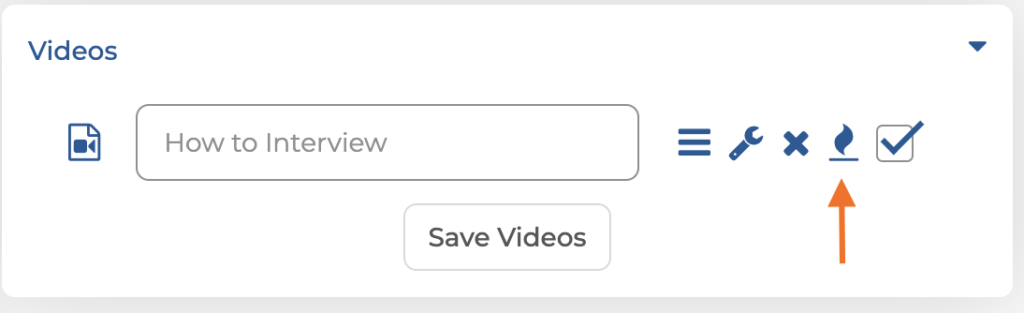
STEP THREE: Generate the SOP
Select the icon with the flame on it
STEP FOUR: Content is Created
The SOP is created from the video transcription and is ready to be view. Select SAVE.

STEP FIVE: Adjust or approve
The finalized SOP is now ready to be approved or edited. It’s THAT fast!
